
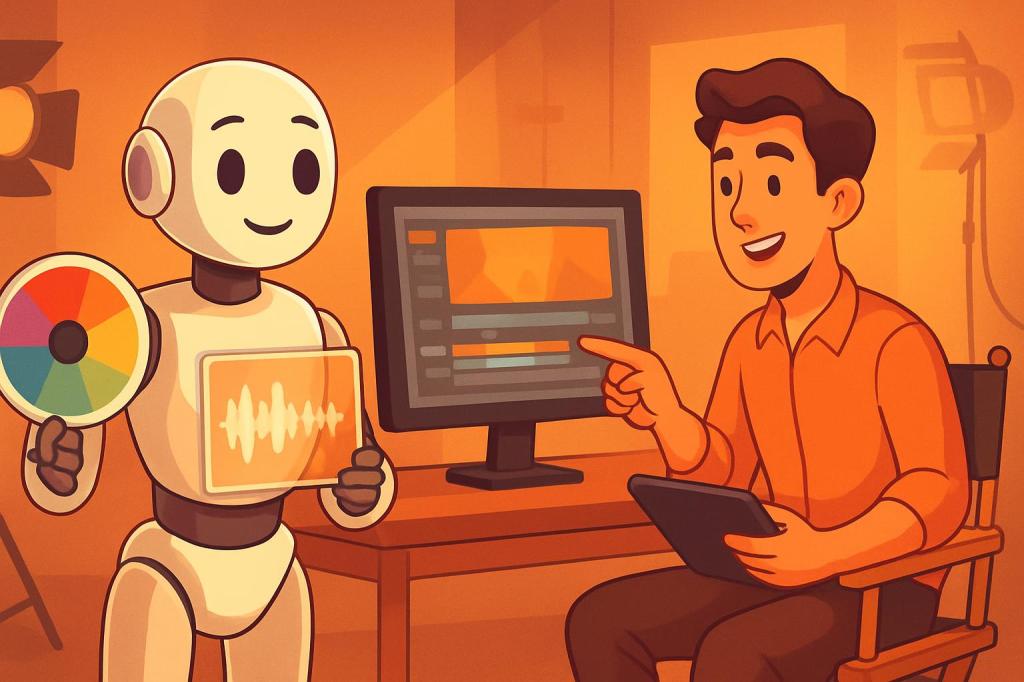
The answer is yes—but only with transparency, clear ethical boundaries, and an unwavering commitment to authenticity. As we navigate 2026, artificial intelligence has moved from experimental novelty to essential workflow tool in professional videography. The question is no longer whether to use AI, but how to use it responsibly while protecting the trust that defines your professional reputation and the integrity of your craft.
The Authenticity Crisis in Video
We’re facing what industry experts call an “authenticity crisis.” AI can now generate video footage of events that never happened, create people who don’t exist, and alter reality so convincingly that even trained eyes struggle to detect manipulation. Deepfakes have moved from novelty to genuine threat—weaponized to damage reputations, influence elections, and commit fraud.
For professional videographers, this creates an existential challenge. Your clients hire you for your vision, your storytelling ability, and your capacity to capture authentic moments. When AI enters the equation without clear guidelines, you risk the very foundation of that trust. A wedding videographer who uses AI to “improve” a first kiss is no longer documenting reality—they’re fabricating it. That distinction matters profoundly.
The Five Non-Negotiable Guidelines
1. Transparency Is Your Professional Shield
Disclose AI use to clients when it materially changes what they see, hear, or understand. According to research from Getty Images, 87% of consumers believe brands should disclose whether content has been generated by AI. Build disclosure into your contracts and client conversations from day one.
2. Never Fabricate Reality in Documentary Contexts
Wedding, event, and documentary videography must maintain factual integrity. Never use AI to add people, alter events, change spoken words, or misrepresent what actually happened. Your role is to document reality, not construct it.
3. Respect Voice and Likeness Rights
Never use AI to clone voices, create deepfakes, or generate synthetic versions of real people without explicit written consent. This applies even to your own clients. The legal and ethical risks are simply too high.
4. Use Commercially Safe AI Tools
Not all AI tools are created equal. Some are trained on copyrighted material without proper licensing, which could expose you to legal liability. Before adopting any AI tool, verify that the company has proper licensing for its training data and offers indemnification for commercial use.
5. Maintain Creative Control
AI should assist your vision, not replace it. If you find yourself relying on AI to make creative decisions rather than technical ones, step back and reassess. Your clients hire you for your artistic judgment, not your ability to prompt an algorithm.
Where AI Actually Helps Professional Videographers
Workflow Efficiency: AI excels at tedious tasks like automated clip sorting, scene detection, and rough cut assembly. These tools can reduce hours of manual work to minutes, freeing you to focus on creative decisions. Tools like Adobe Premiere Pro’s AI-powered auto-reframe can quickly create vertical versions of horizontal content for social media.
Audio Rescue: AI-powered audio cleanup is perhaps the most universally beneficial application. Removing wind noise, reducing background hum, and isolating dialogue can save footage that would otherwise be unusable—without fabricating new content. The key distinction: you’re removing unwanted elements, not creating new ones.
Color Consistency: AI color matching across multi-camera shoots ensures consistency without hours of manual grading. This is particularly valuable for event videography where you’re working with multiple cameras in changing lighting conditions.
Accessibility Features: Automated transcription and caption generation make your content more accessible while saving significant time. AI-generated captions aren’t perfect, but they provide an excellent starting point that requires only minor corrections.
Upscaling and Enhancement: AI upscaling can rescue lower-resolution footage or improve quality for large-screen presentations. Noise reduction algorithms can salvage low-light footage that would otherwise be unusable.
When to Say No to AI
There are clear situations where AI use crosses ethical lines. Never use AI to add elements that weren’t present in reality, especially in documentary or event work. Don’t use AI to alter someone’s words, facial expressions, or body language in ways that misrepresent their intent. Avoid AI-generated B-roll that could mislead viewers about what was actually filmed versus what was synthesized.
In commercial work, be especially cautious about body modification and beauty retouching. If you’re using AI to dramatically alter someone’s appearance, you need explicit consent and should consider disclosure to end viewers as well.
Building Your AI Policy
Create a written AI policy for your business that you can share with clients. Include which tools you use, what they do, and how they affect the final product. Specify which applications require client approval and which are standard workflow enhancements.
For wedding and event clients, explain during the consultation that you use AI for technical improvements like noise reduction and color correction, but never to fabricate moments or add elements that weren’t there. For commercial clients, discuss AI use case-by-case and get sign-off on any synthetic elements.
The Bottom Line
Using AI as a professional videographer isn’t about whether it’s “right” or “wrong”—it’s about using it responsibly. The technology offers genuine benefits for efficiency and technical quality, but it also presents serious ethical pitfalls if misused.
Your reputation as a professional videographer rests on trust, authenticity, and creative vision. AI should enhance those qualities, never replace them. When in doubt, ask yourself three questions: Does this AI use serve my client’s best interests? Does it maintain the integrity of what actually happened? Would I be comfortable explaining this choice to my client?
If you can answer yes to all three questions, you’re probably on solid ground. If not, it’s time to reconsider your approach. The future of professional videography will undoubtedly include AI—but the professionals who thrive will be those who use it thoughtfully, transparently, and ethically.

Plaats een reactie